 By Ali Demirci, founder of Woofocus · October 21, 2026 · 11 min read
What we checked, and what we did not
We make Proofyard, a task board for web and design studios. We do not make a note taker, and none of the vendors below pays us. The last part of this article is about our product; the rest is not.
We read each vendor's own pricing, security and help pages on 21 October 2026 and took the screenshots from their public websites the same day. We have not run all 14 on client calls, so this is not a hands-on test. Prices change often; check the vendor's page before you buy.
Most pages that rank for "best AI note taker" are written by a note taker vendor that puts its own tool first, and they compare features for one person. An agency has other questions: the call is often in the client's meeting, the client's words end up on someone's server, five people pay, and the actions have to land somewhere after the call.
The short answer
- $35a month for five on Fellow Team, billed yearly, the lowest here, with 10 AI notes each a month
- $185a month for five on Jamie Team, billed yearly, the highest
- 2 of 14say their data is hosted in the EU: Jamie and tl;dv
- 9 of 14list an MCP server, so Claude can read the notes
Pick the calls you have most often:
Which calls do you have most?
Use Fathom or Fireflies
A free plan to try, and both send the notes on to tools you already use.
- Setup
- Connect your calendar; the bot joins the call
- Claude sees
- The notes, over their MCP servers
Five questions most lists skip
Will a bot join the client's meeting?
Otter, Fireflies, Fathom, Fellow and Read join a call as a participant by default, so the client sees the note taker in the list of people, and some company Teams setups keep outside bots in the lobby. Granola, Jamie, Krisp and Wispr Flow record the audio on your own computer instead, and Fathom, Fireflies and Fellow offer that too.
No bot does not mean nobody has to be told. Fathom's own guide puts it plainly: "Bot-free tools remove the bot notification, not the disclosure obligation." Say at the start of the call that you take notes with AI, whichever tool you use.
Where is the recording kept?
| Tool | Where its pages say data is kept |
|---|---|
| Otter | AWS West, in the US |
| Read | AWS us-east-1, in the US |
| Granola | A US-hosted AWS private cloud; audio is deleted after it is transcribed |
| Fireflies | The US by default; EU storage on Enterprise |
| Fellow | AWS in Canada, by its list of sub-processors; its AI providers are in the US |
| Jamie | Hosted in the EU |
| tl;dv | Hosted and stored in the EU |
| Krisp | A choice of data centre on Enterprise |
| Plaud | A choice of where data is kept on its Team plan |
If a client asks, this is the table you need. The others did not say on the pages we read.
Can you get your notes out on the plan you pay for?
Otter's free plan exports audio and plain text only; PDF, Word and subtitle files come with Pro. Fathom's transcripts can be copied but not downloaded. Fireflies lets you download from Pro. Check this before your notes from a year of client calls sit in one tool.
What do five people pay?
| Tool and plan | Per person a month, billed yearly | Five people a month |
|---|---|---|
| Fellow Team | $7, with 10 AI notes a person a month | $35 |
| Krisp Core | $8 | $40 |
| Fireflies Pro | $10 | $50 |
| Wispr Flow Pro | $12 | $60 |
| Granola Business | $14 | $70 |
| Fathom Team | $15 (two people at least) | $75 |
| Fellow Business | $15, notes without a limit | $75 |
| Read Pro | $15 | $75 |
| tl;dv Pro | €18 | €90 |
| Otter Business | $19.99 | $99.95 |
| Plaud Team | $20 until 30 November 2026, then $25 | $100 to $125, plus the recorders |
| Jamie Team | $37 | $185 |
Granola's page does not say whether its price is billed yearly or monthly. Billed monthly, the others cost between 25% and 100% more.
Where do the action items go?
This is the question an agency should ask first, and the lists we read barely touch it. What each vendor's integrations page says about sending action items to a task tool:
| Tool | Action items to a task tool |
|---|---|
| Fellow | Asana, Jira, Linear, ClickUp, Trello, monday.com and others |
| Fireflies | Asana, Jira, ClickUp, Linear, monday.com, Trello and others |
| Otter | Asana, ClickUp and Jira |
| Read | Asana, Jira and Linear, pushed by hand |
| tl;dv | Asana, ClickUp, Jira and monday.com |
| Fathom | Asana, one click per item |
| Jamie | Asana, from Pro; a webhook for the rest |
| Granola, Krisp | Only through Zapier |
| Teams | Planner, through Copilot's Facilitator, which needs a Copilot licence |
| Plaud, Wispr Flow, Zoom, Google Meet | No task tool named on the pages we read |
Sending an item across is the easy part. Whether it arrives with the right person and a real date is what decides if it gets done; more on that in the last part, after the tools.
The tools, one by one
Fathom
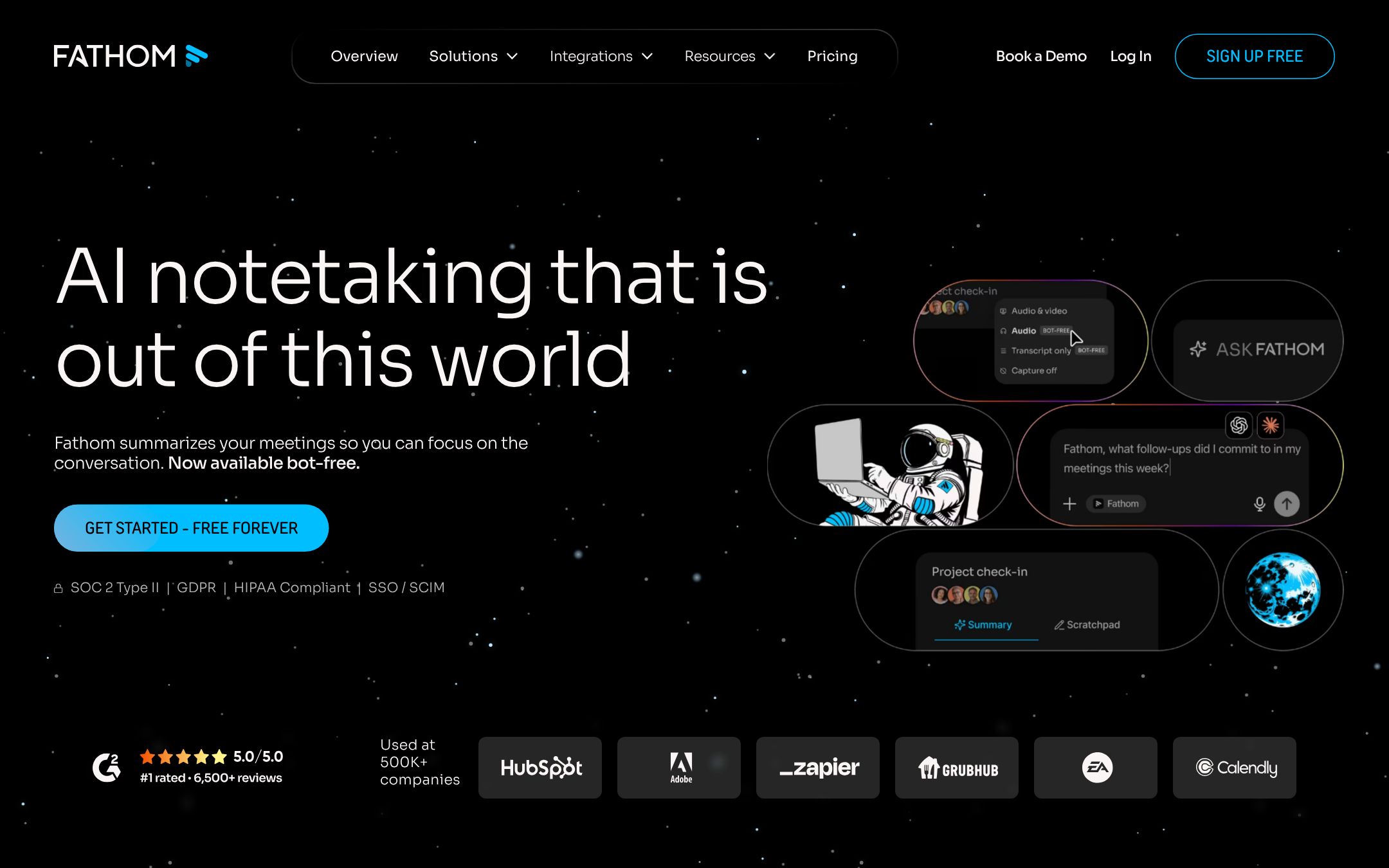
Fathom, now part of Superhuman according to its own site, joins Zoom, Google Meet, Microsoft Teams and Slack huddles, as a bot or, in a beta for Mac, without one. Its free plan records and transcribes without a limit; AI action items are listed from Premium, which is $16 a month billed yearly ($20 monthly). Team is $15 a person billed yearly ($19 monthly) with two people at least, and Business $25 ($34). It sends notes to Asana and Notion, HubSpot, Salesforce and Slack, and has a public API and an MCP server. Fathom says it is SOC 2 Type II audited and HIPAA compliant. Watch for: transcripts can be copied but not downloaded.
Fireflies
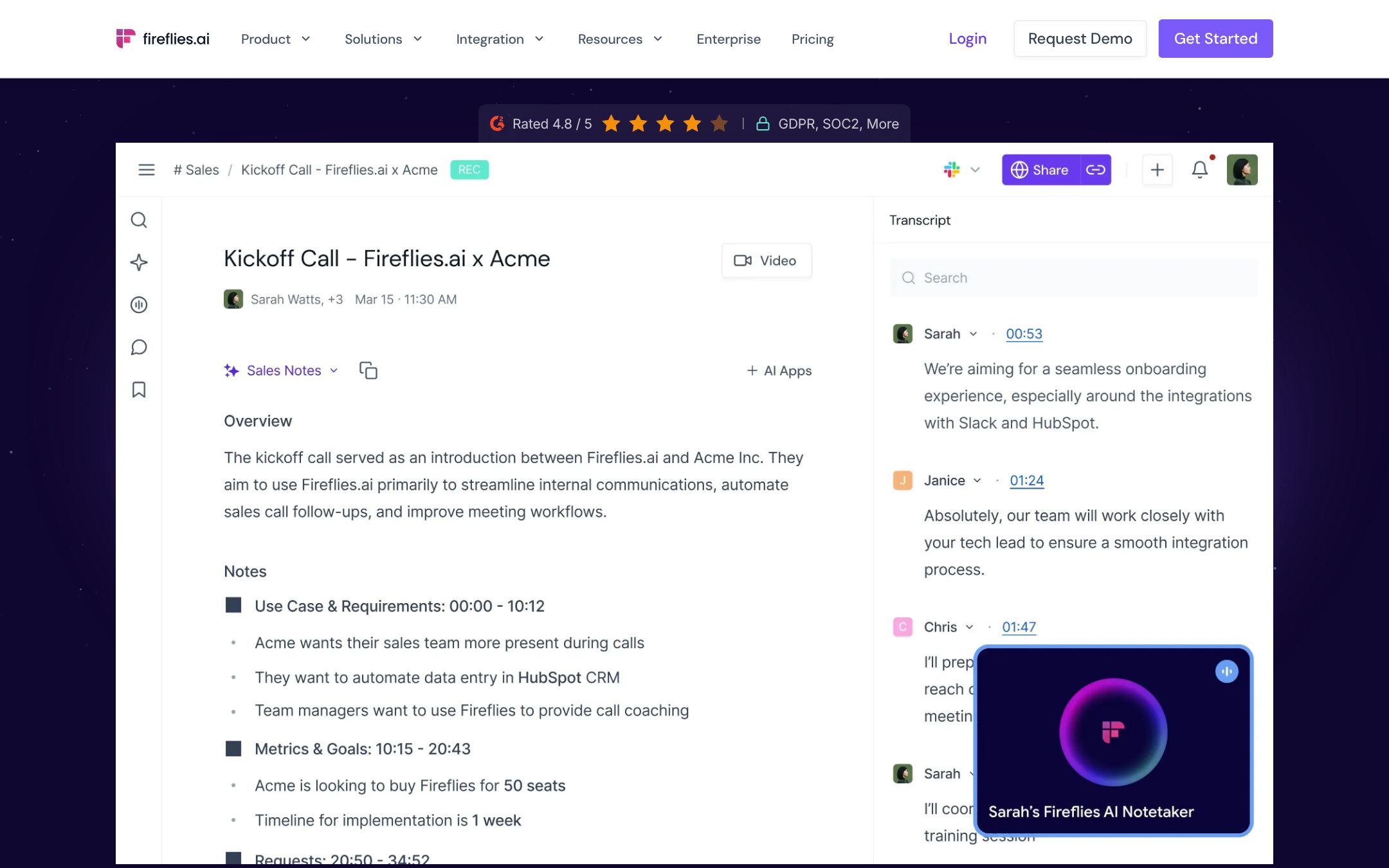
Fireflies sends a bot to Zoom, Meet and Teams, or records without one from its desktop app and Chrome extension, and its phone app records in a room. The free plan holds 400 minutes of storage for the team, with limited AI summaries. Pro is $10 a seat billed yearly ($18 monthly) and adds the action items and task manager; Business is $19 ($29). Its integrations are on every plan, and it has an API and an MCP server. Data is stored in the US by default; EU storage is for Enterprise.
Fellow
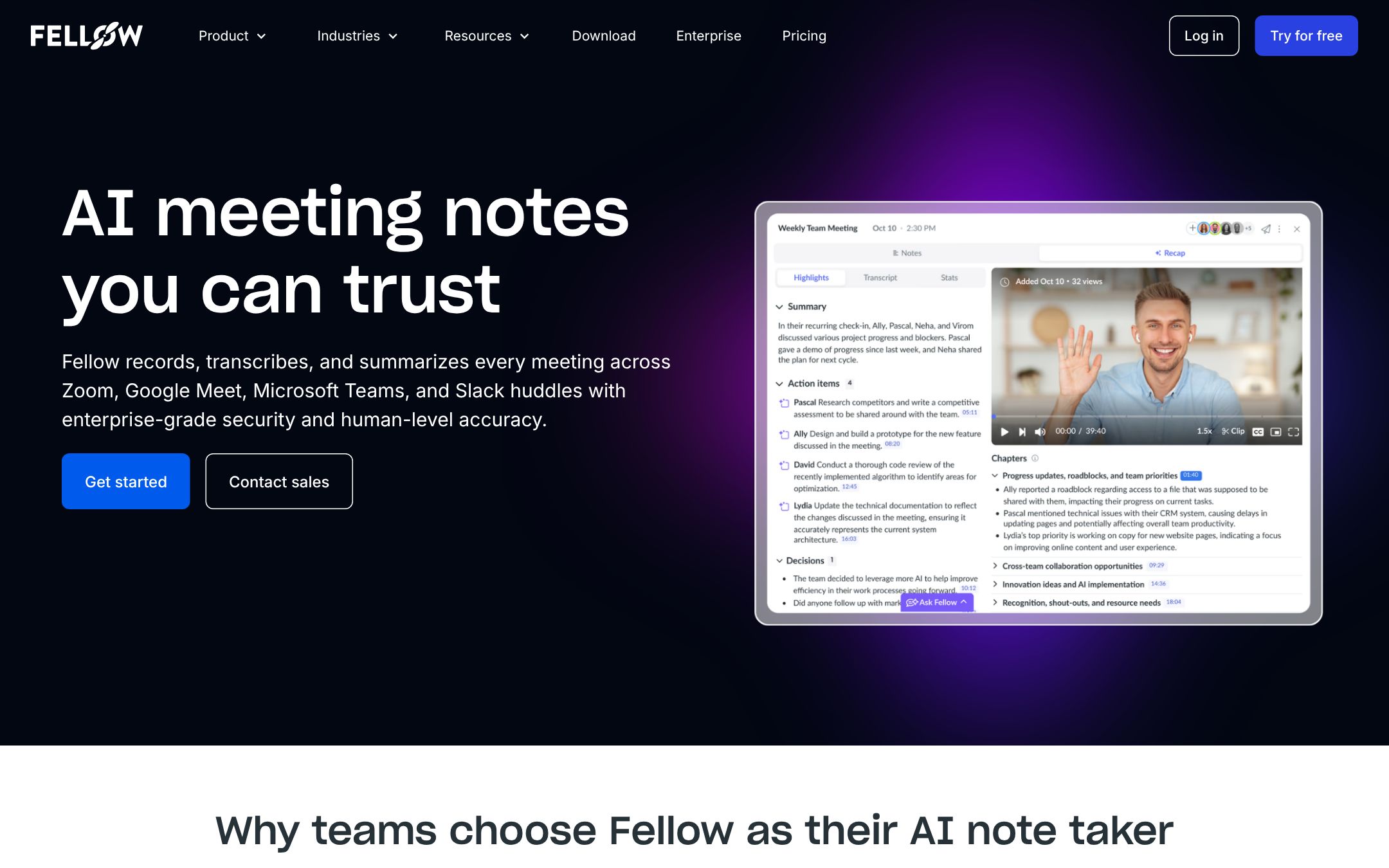
Fellow records Zoom, Meet, Teams and Slack huddles with a bot, or without one from its Mac and Windows app, and has a phone app. The free plan is small: five AI notes per person in all, for up to five people. Team is $7 a person billed yearly ($11 monthly) with ten AI notes a person a month, Business $15 ($23) with no limit. Of the tools here it sends action items to the most task tools: Asana, Jira, Linear, ClickUp, Trello and monday.com among them. It has an MCP server and is a connector in Claude's directory. Its list of sub-processors puts the data on AWS in Canada.
Otter
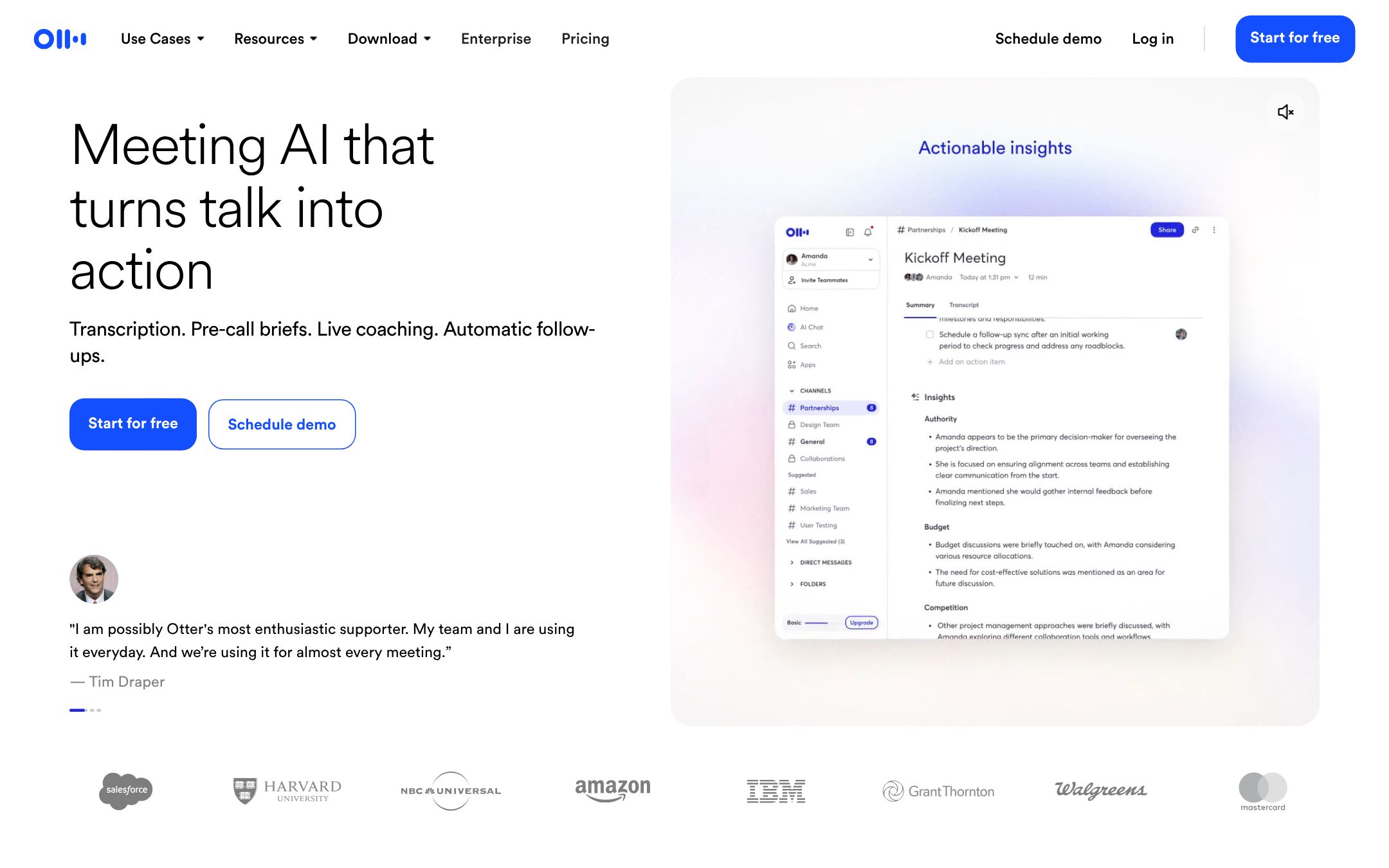
Otter's assistant joins Zoom, Teams and Meet, and its desktop and phone apps record in person. The free plan gives 300 minutes a month, 30 minutes a conversation and three imports in total. Pro is $8.33 a person billed yearly ($16.99 monthly), Business $19.99 ($30). Summaries come with action items, and an MCP server is on the free plan; Salesforce, HubSpot and Zapier start at Pro. Data is on AWS in the US West, with SOC 2 Type II. Otter lists six languages, the fewest of the tools here.
Granola
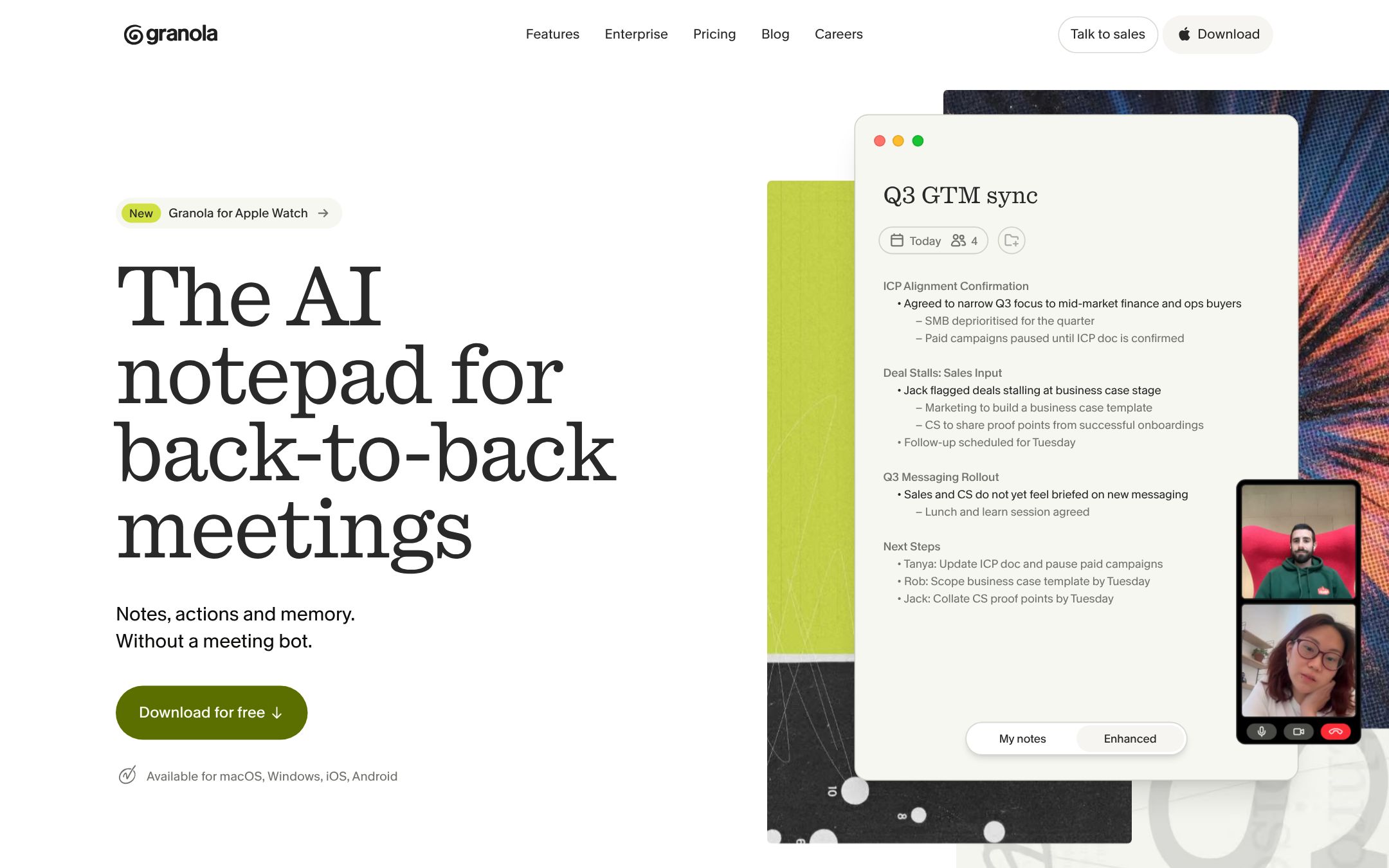
Granola has no bot. It records the audio on your Mac or Windows computer, so it works with any call: Zoom, Meet, Teams, Webex or Slack. On an iPhone it records a meeting in the room, but not the people on the far end of a call. Basic is free with 30 days of notes; Business is $14 a person a month and Enterprise $35. Slack is on every plan, and Notion, Zapier, HubSpot and the API on Business; its MCP server on Basic reads your notes from the last 30 days. Granola says audio is deleted after it is transcribed.
Read AI
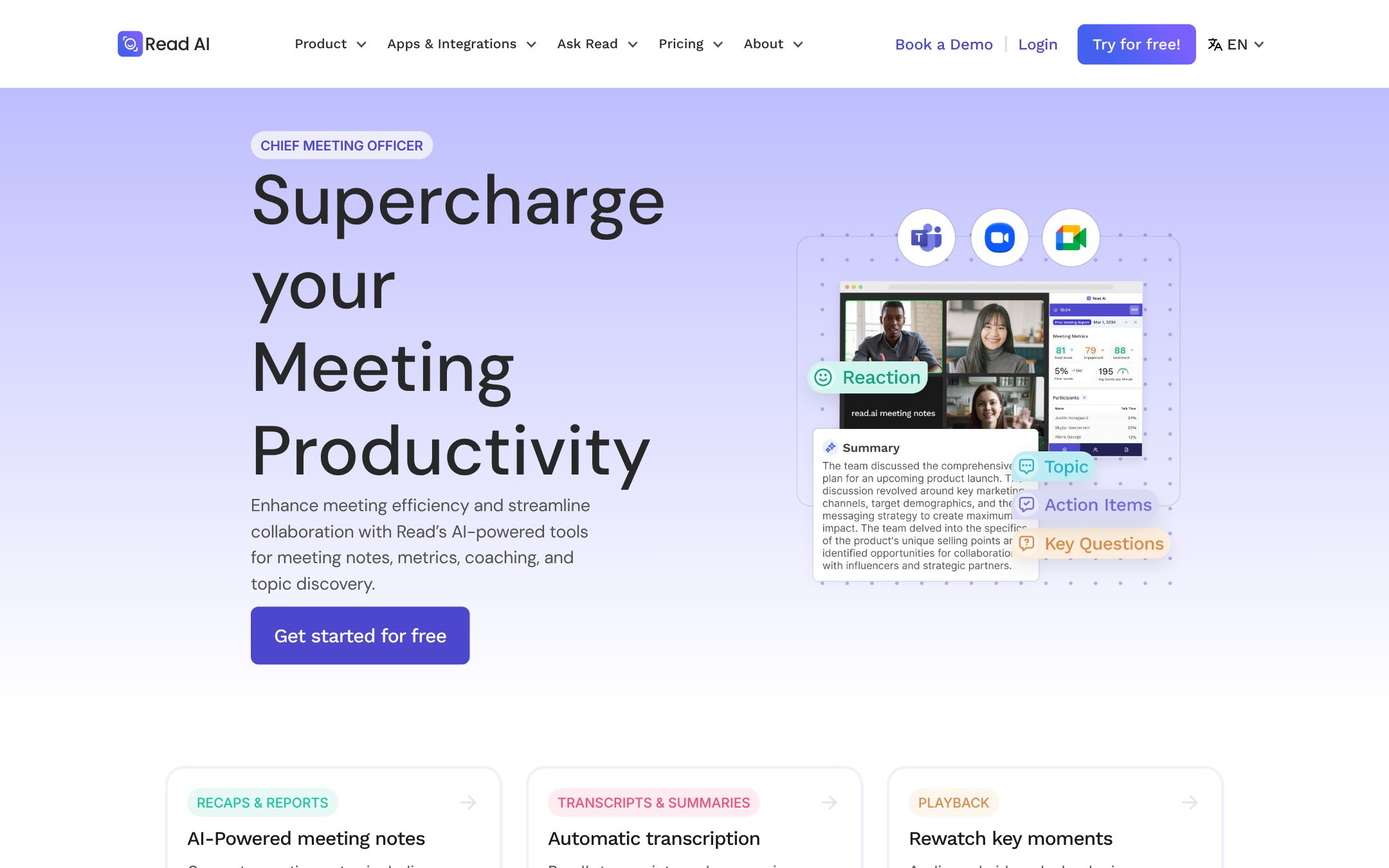
Read joins Zoom, Teams and Meet as a bot, and its desktop and phone apps record without one. It announces itself in the meeting, and anyone there can type "opt out". The free plan gives five transcripts a month, up to an hour each. Pro is $15 a person billed yearly ($19.75 monthly); Enterprise+ is $29.75 ($39.75) and needs five licences or more. Notion, Jira, Confluence, HubSpot, Salesforce, Zapier and webhooks start at Pro.
Jamie
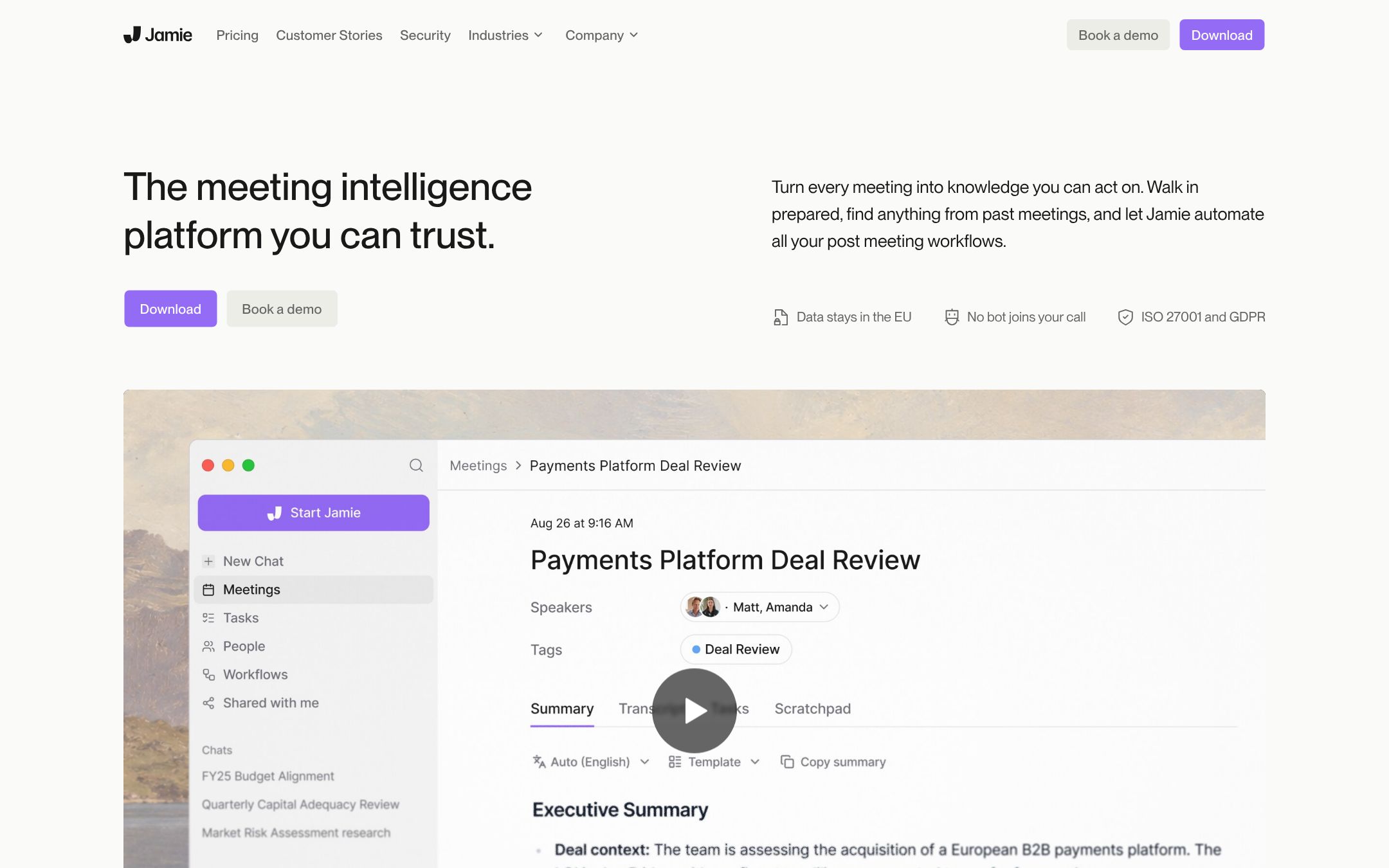
Jamie runs on your Mac, Windows computer or iPhone with no bot, on any call and in a room. It says it is hosted in the EU and GDPR compliant, with ISO 27001; SOC 2 Type II was still pending when we read the page. A consent email to the people in the meeting is on every plan. The free plan gives ten AI notes a month, up to 30 minutes each. Team is $37 a seat billed yearly, the highest team price in the table above. Google Docs, Notion and OneNote are on every plan; Asana, HubSpot, the API, webhooks and MCP start at Pro.
tl;dv
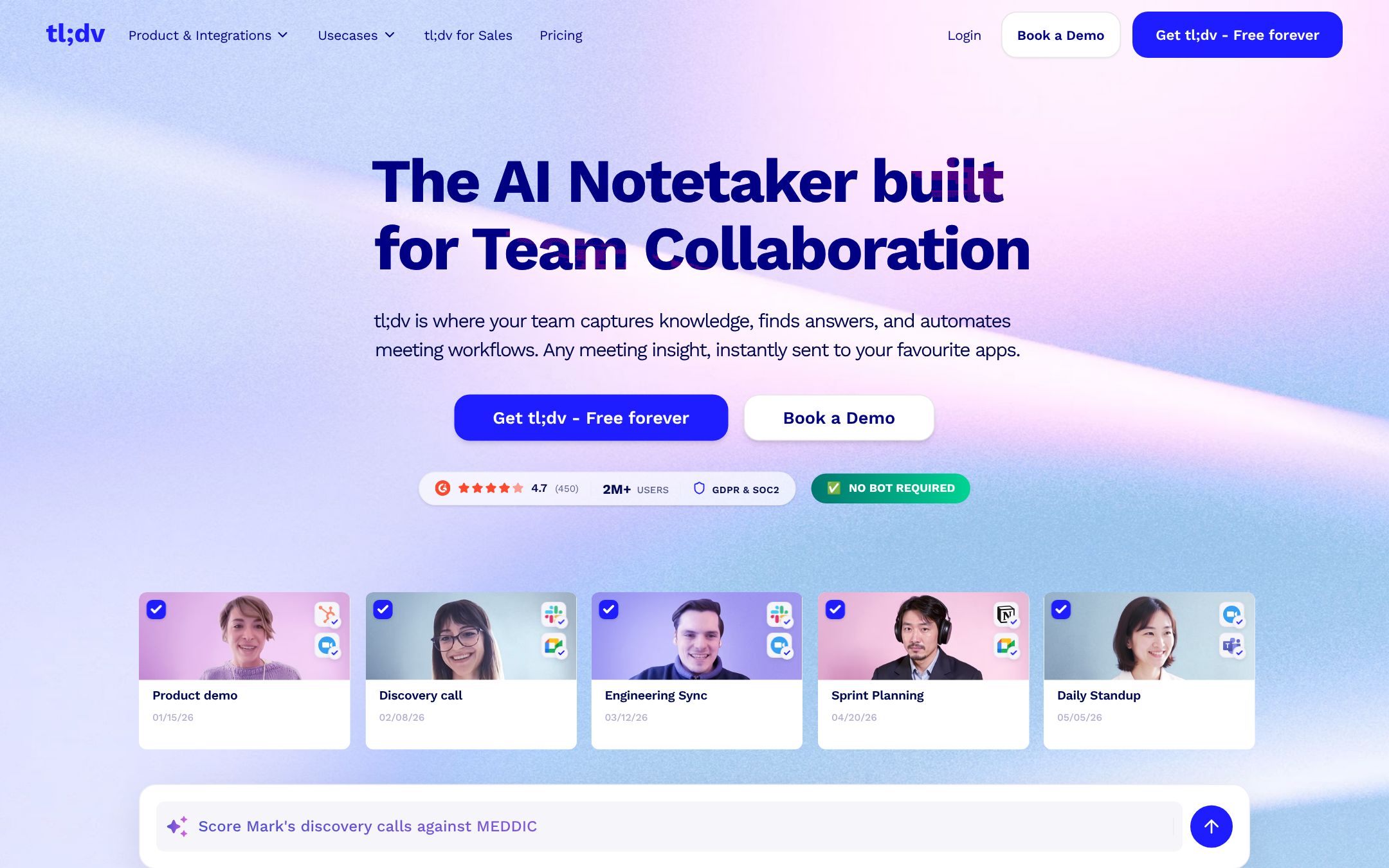
tl;dv works with Meet, Zoom and Teams, and its home page says no bot is required. Its data is "hosted and stored in the EU". Pro is €18 a seat billed yearly (€29 monthly), Business €29 (€39). Prices are in euros, which helps a European studio and makes the comparison with the dollar prices above a little rough.
Krisp
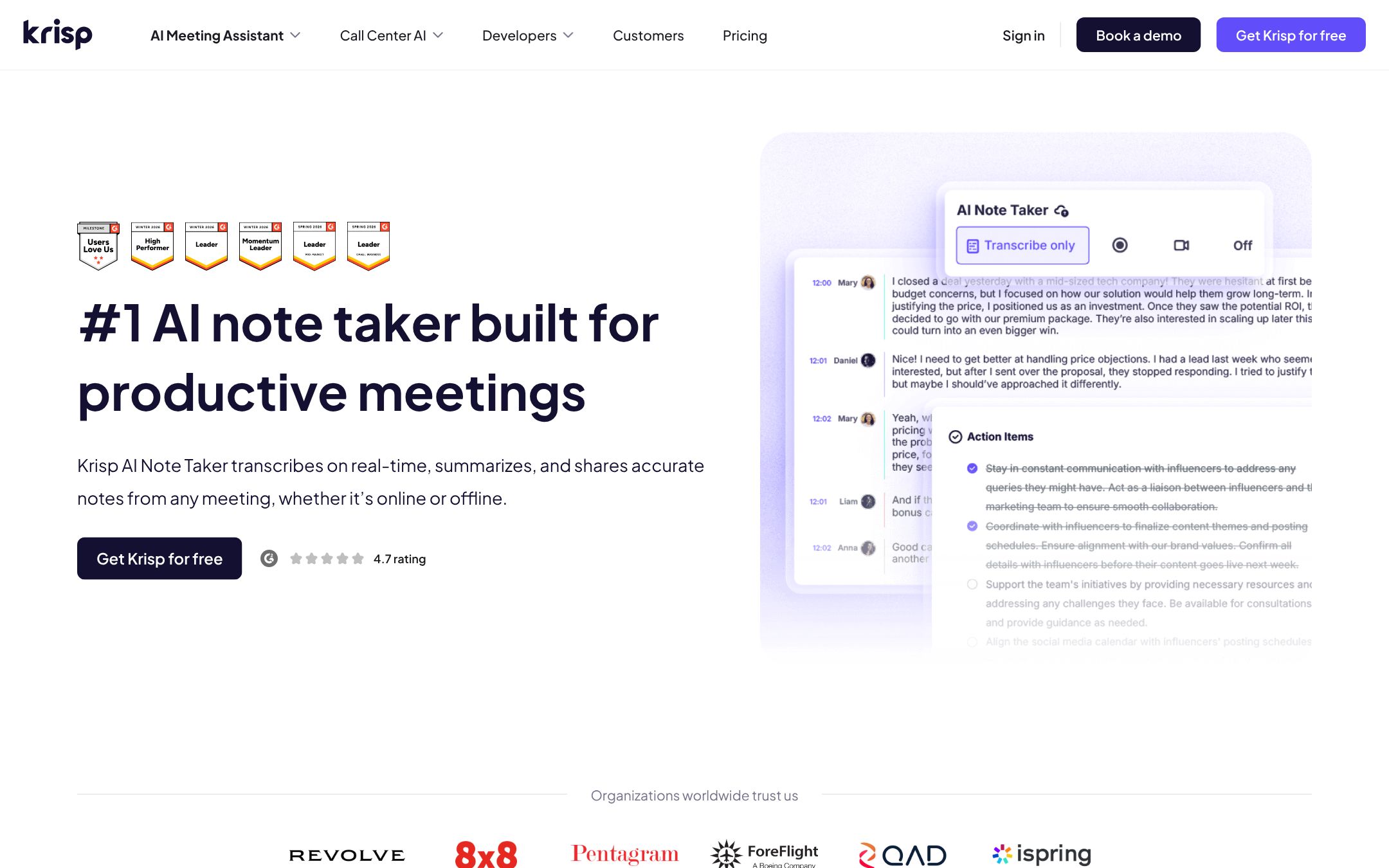
Krisp started as noise cancelling and now takes notes without a bot, online and in a room, with a phone app. There is no free plan, only a seven-day trial. Core is $8 a person billed yearly ($16 monthly), the cheapest paid plan here, with Slack, Notion, Zapier, HubSpot, an MCP server and an API; Advanced is $15 ($30). It lists 16 languages, and a choice of data centre on Enterprise.
Wispr Flow
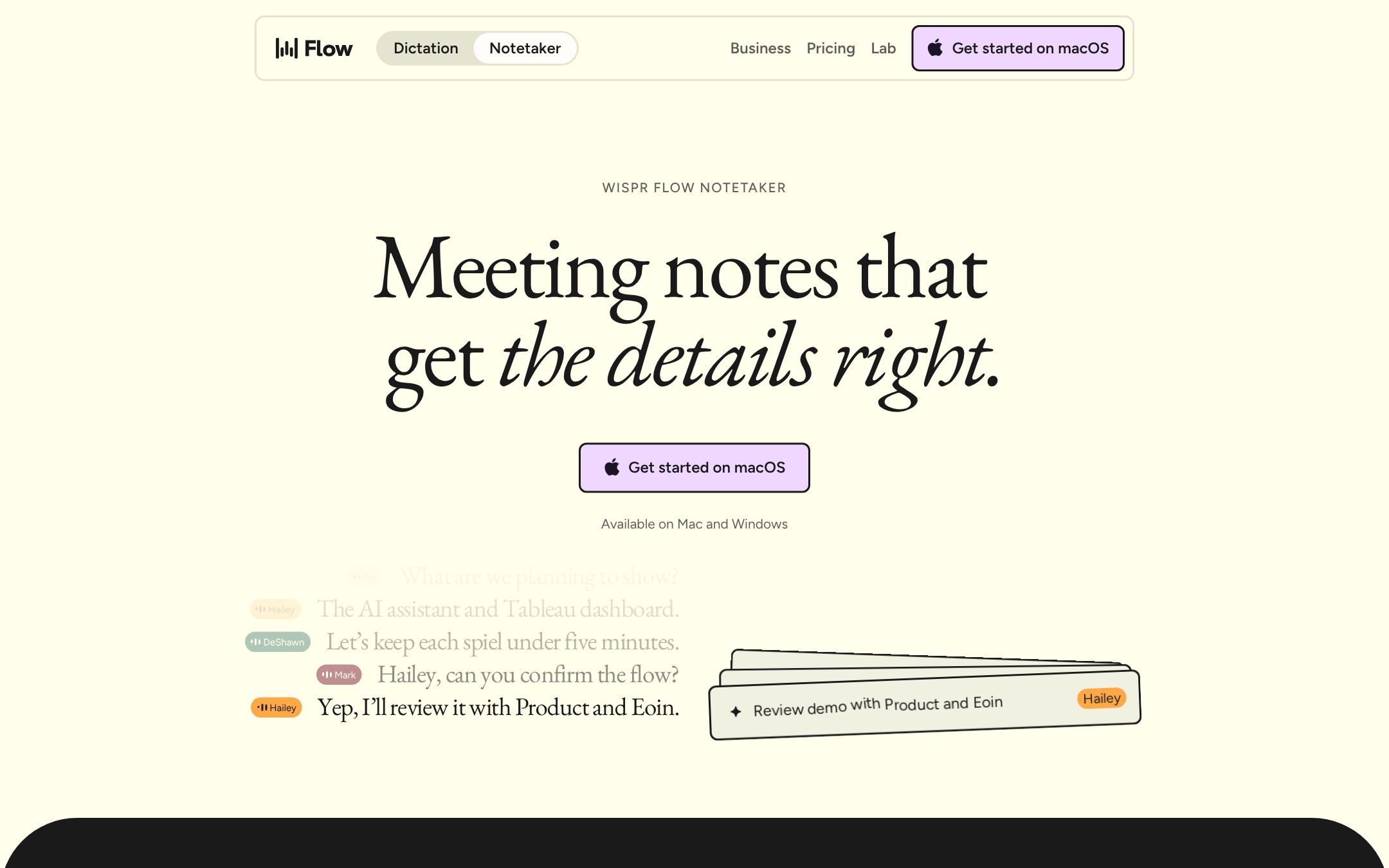
Wispr Flow is known for dictation; its Notetaker records meetings on your Mac or Windows computer, with no bot, in any meeting app and in a room. The free plan has a weekly meeting limit and an MCP server. Pro is $12 a person billed yearly ($15 monthly). It says it is SOC 2 Type II and ISO 27001 certified.
Plaud
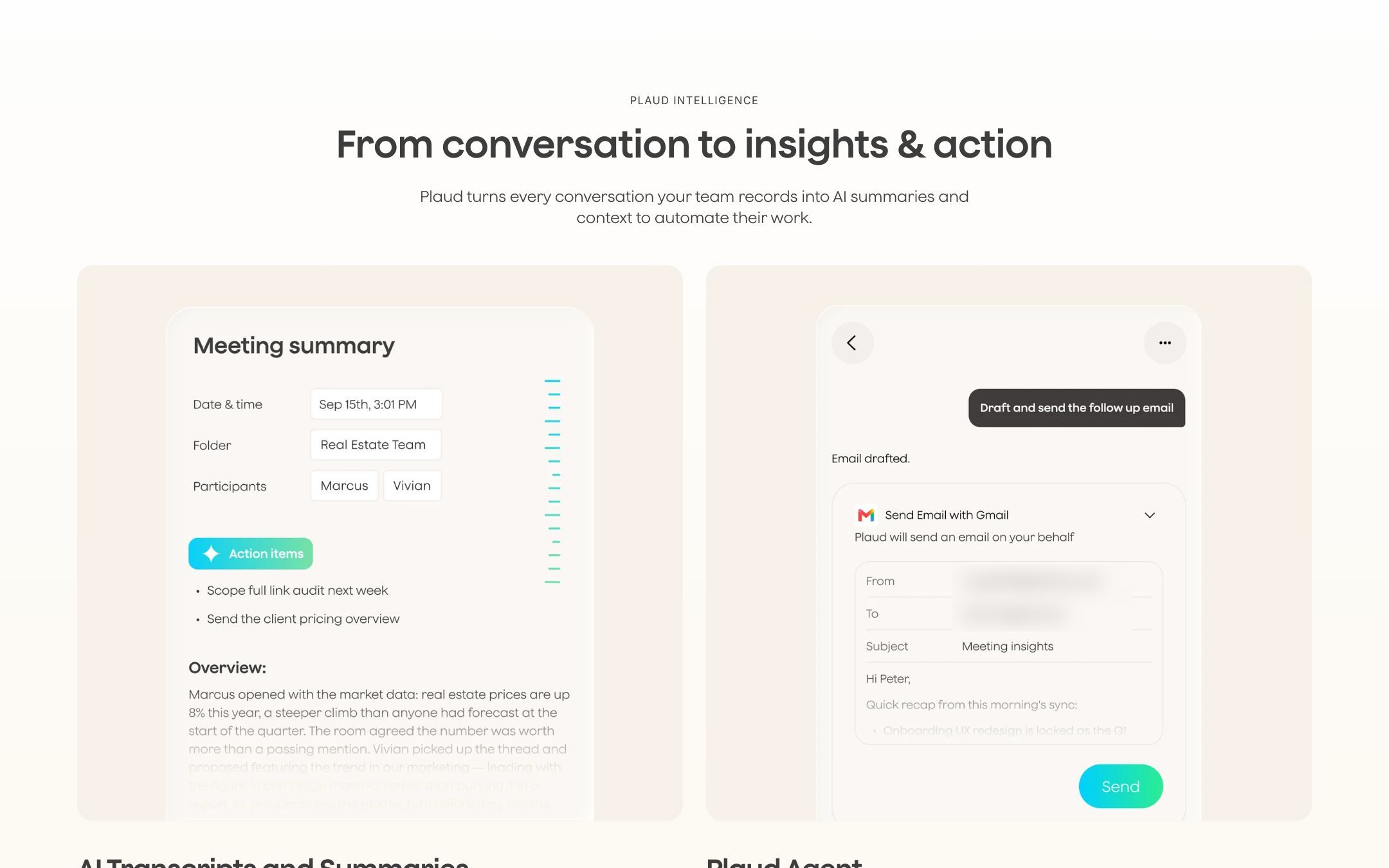
Plaud sells recorders: the Note Pro at $189, the Note at $159, the NotePin S at $179 and the NotePin at $159. Each comes with 300 minutes a month. Pro is $8.33 a month billed yearly ($17.99 monthly), Unlimited $20 ($29.99), and Team $20 a person billed yearly until 30 November 2026, then $25. It lists 112 languages. For a workshop with the client around a table, a recorder is easier than five laptops. Its own site reminds you: "Before you record… let others know and get their okay."
The ones you may already pay for
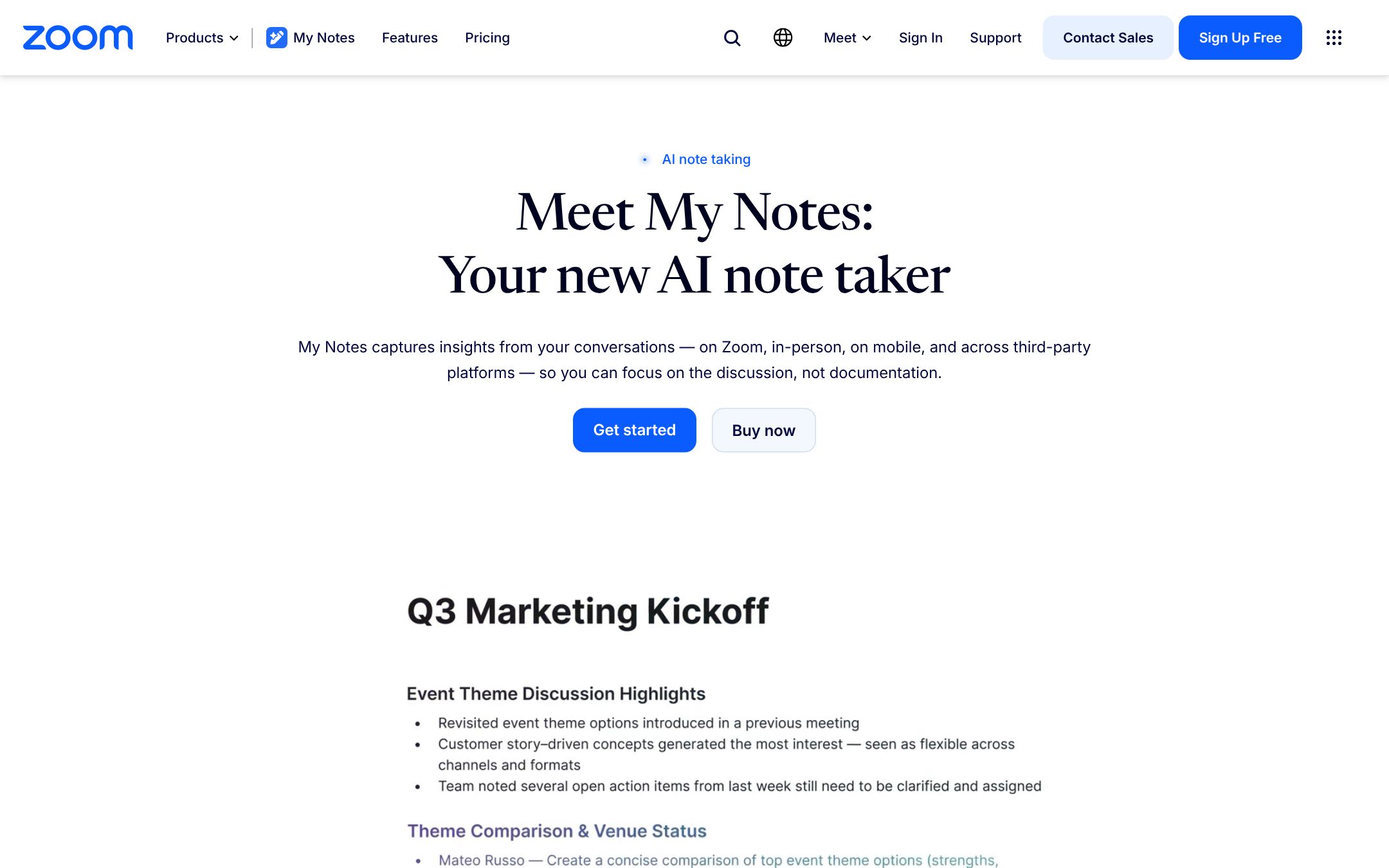
Zoom's AI notes come with paid Zoom Workplace plans. Zoom has folded what it called AI Companion into Workplace, and its note taker is now called My Notes. Pro is $14.16 a person billed yearly ($16.99 monthly), and the free Basic plan has meeting summaries for three hosted meetings a month. In a Teams or Meet call, Zoom's notes join as a participant, and Zoom shows a notice that the summary is on.
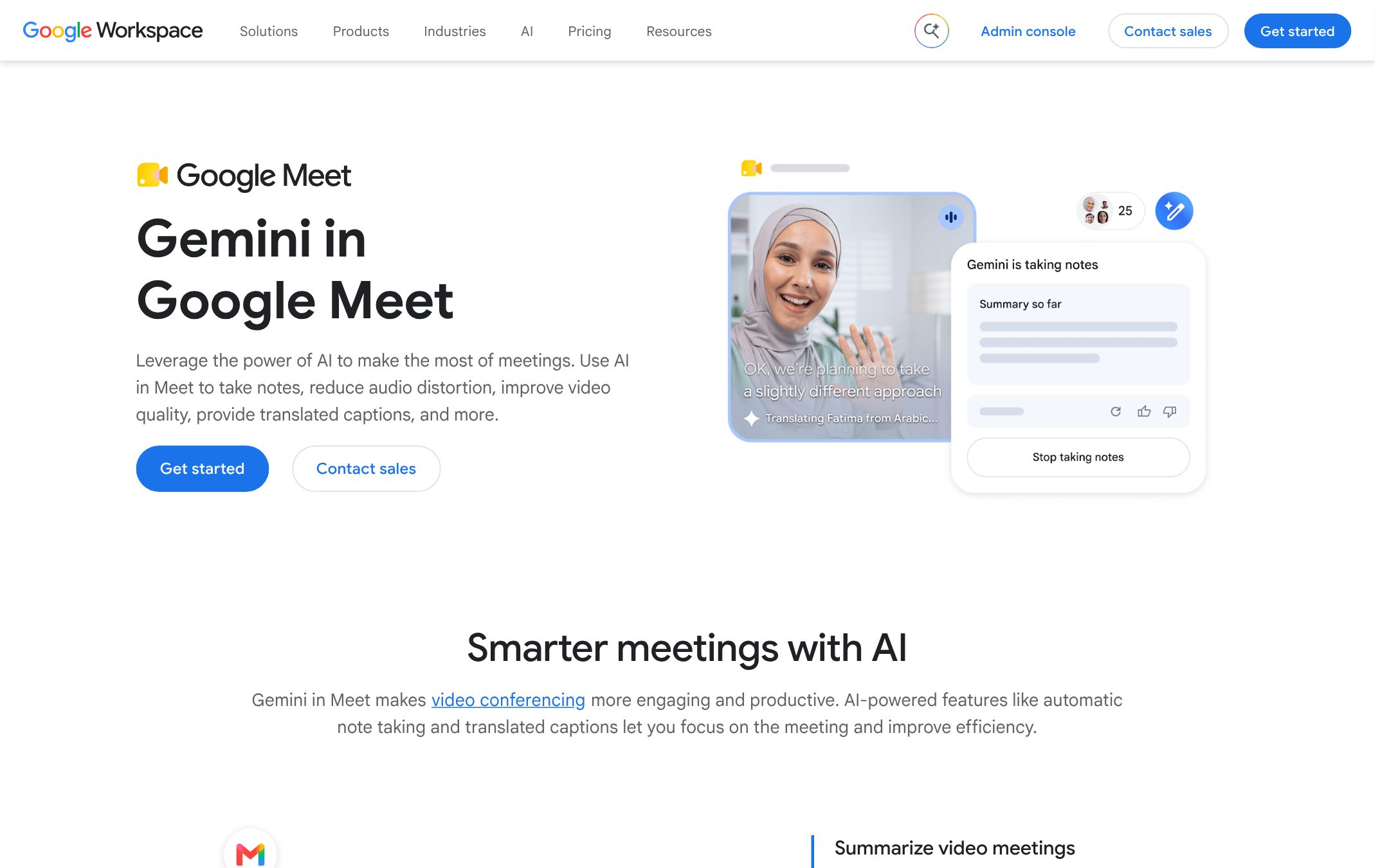
Google Meet's "Take notes for me" writes a Google Doc with a summary, decisions and next steps, saved in the organiser's Drive. It needs a plan with Gemini in Meet: not Business Starter, but Business Standard at $14 a person billed yearly ($16.80 on the flexible plan). It reads eight languages, one per meeting, and a pencil icon tells everyone notes are being taken.
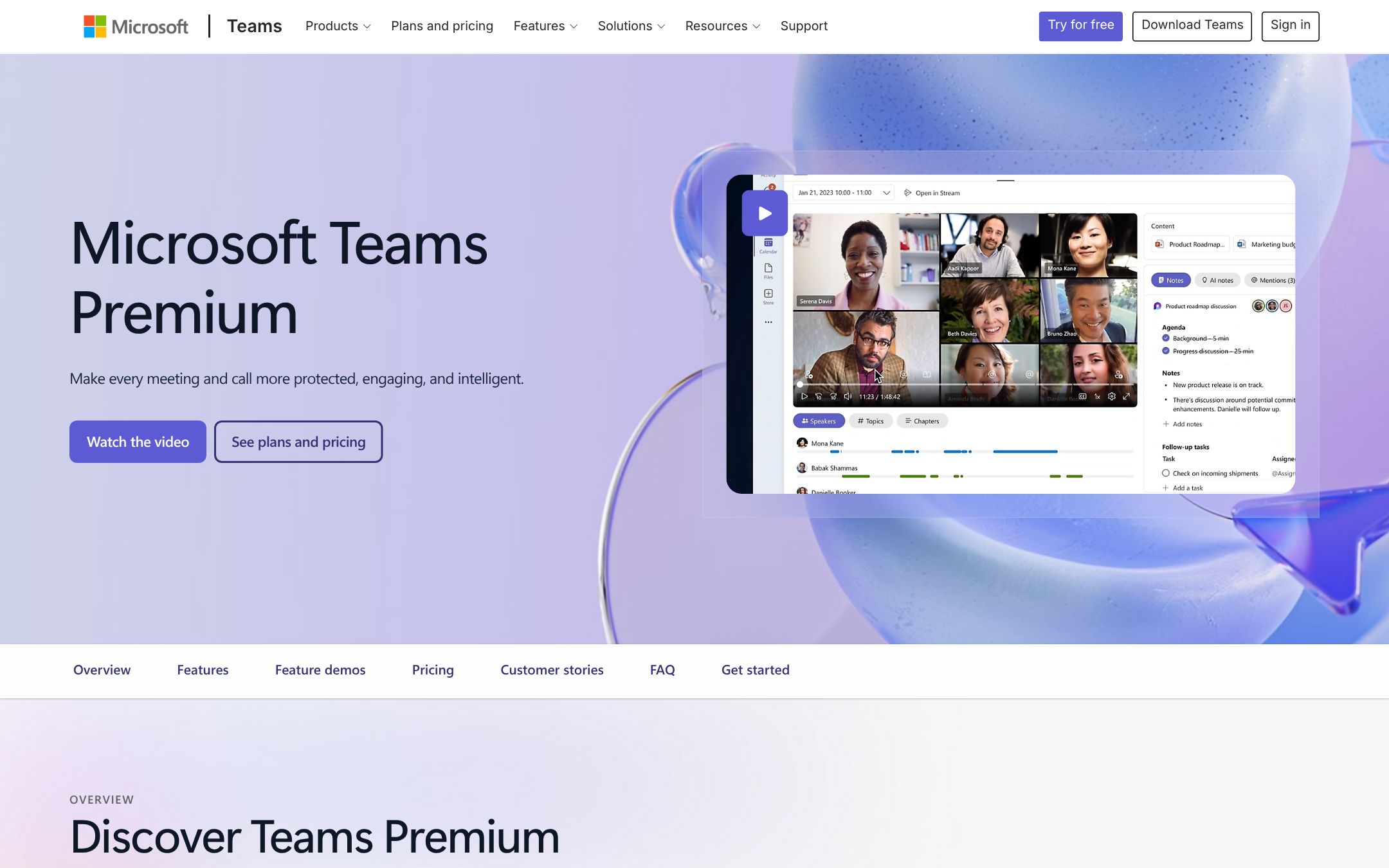
Microsoft Teams' intelligent recap needs the meeting recorded or transcribed and at least five minutes long. It writes AI notes and follow-up tasks; people outside your company get the recap only by email. It comes with Teams Premium, $10 a person a month paid yearly on top of a Teams licence, or with a Microsoft 365 Copilot licence.
After the call: from notes to tasks
This is where we come in. Most of these tools list action items, and several send them to Asana, Notion or Slack. In our own client work the trouble starts after that: "we'll send the sitemap" has no name on it, "next week" is not a date, and half the actions sit with the client, so nobody chases them.
Proofyard does not join or record calls. In Meetings you paste the notes, the transcript or the summary from any tool above. Claude lists the follow-ups with an owner and a date, the decisions and the questions still open, each with the line it came from. You change who or when, leave out what is wrong, and create the rest as tasks. A week later Claude reminds whoever owns a late follow-up, and points out what was said but never became a task.
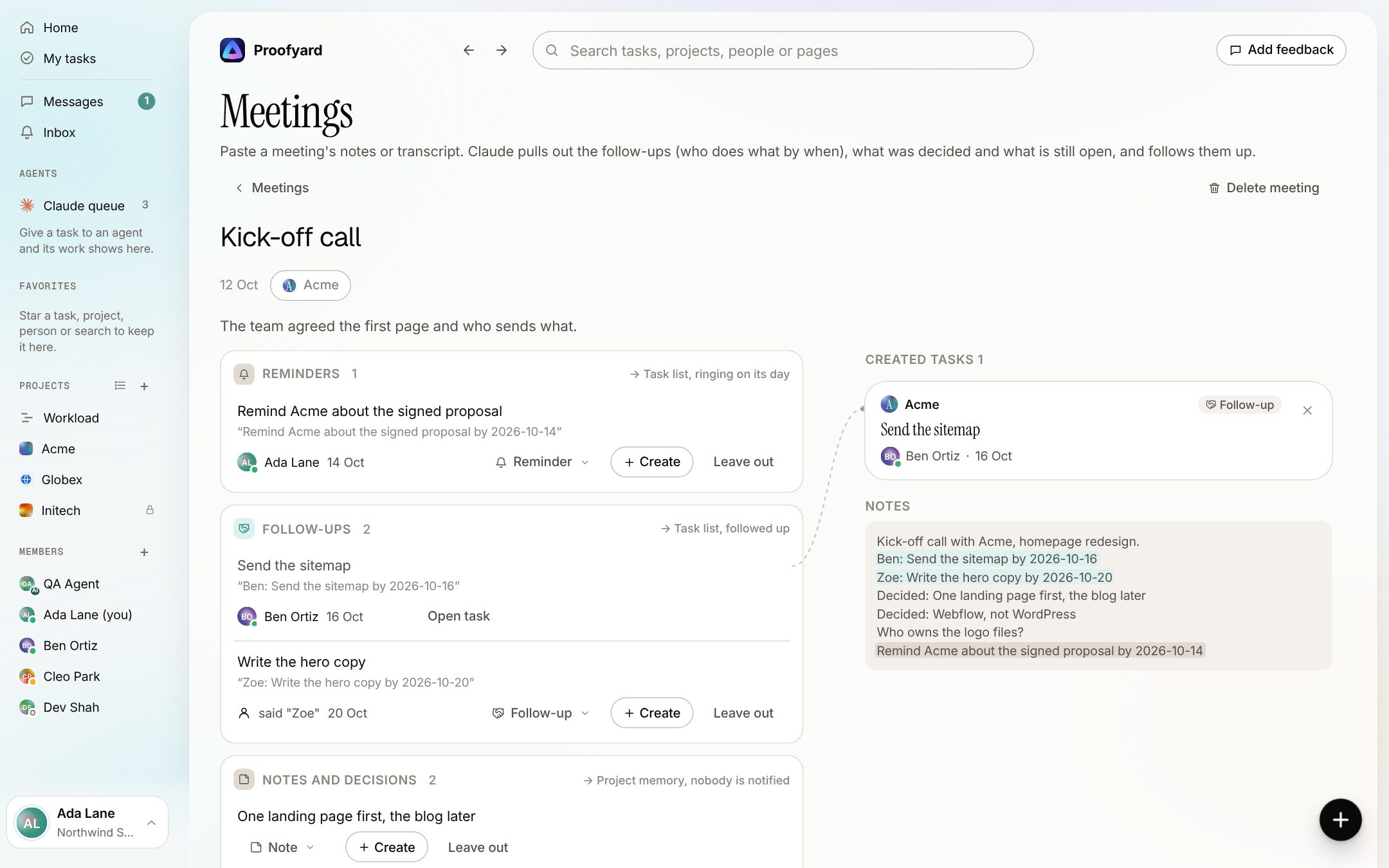
If your note taker has an MCP server (Otter, Fireflies, Fathom, Fellow, Granola, Read, Jamie, Krisp and Wispr Flow list one), Claude can read the call there and add it to Proofyard with our connector. You still check the list before any task is made. The meeting notes to tasks page shows each step, and our guide to using Claude for project management covers the connector.
Before you choose
Tick what the tool you are weighing does
0 of 7
Start with where the recordings are kept and how you tell the client. Those decide the rest.
Sources
All read on 21 October 2026. Prices are list prices before tax.
- Otter: pricing, privacy and security, integrations
- Fireflies: pricing, bot-free recording, data storage, MCP, task tools
- Fathom: pricing, bot-free note takers, Asana
- Fellow: pricing, AI meeting notes, sub-processors, integrations, MCP server
- tl;dv: pricing, home page, integrations
- Granola: pricing, security, in-person meetings, integrations
- Read AI: pricing, security and privacy, integrations
- Jamie: pricing, home page
- Krisp: pricing, integrations
- Wispr Flow: pricing, Notetaker
- Plaud: plans, Plaud for teams
- Zoom: pricing, My Notes, AI Companion in other meeting apps, the rename
- Google: Take notes for me, AI for meetings, Workspace payment plans
- Microsoft: intelligent recap, Teams Premium, Facilitator, Copilot for business